
Lightspeed X-Series + Shopify Integration, Made Easier
Lightspeed Shopify Integration with Less Manual Work
Managing your store and online business across separate systems can mean more data entry, screen switching, and inventory discrepancies. Retail Bridge provides Lightspeed Shopify Integration for Lightspeed X-Series and Shopify, helping simplify these everyday tasks.
By integrating Lightspeed Retail POS and Shopify, retailers can synchronize inventory, manage orders and customers more efficiently, maintain consistent product information, and improve visibility across sales channels. Whether you operate a single retail store or multiple locations across the United States and Canada, integrating your POS and eCommerce platforms can help improve accuracy and productivity.
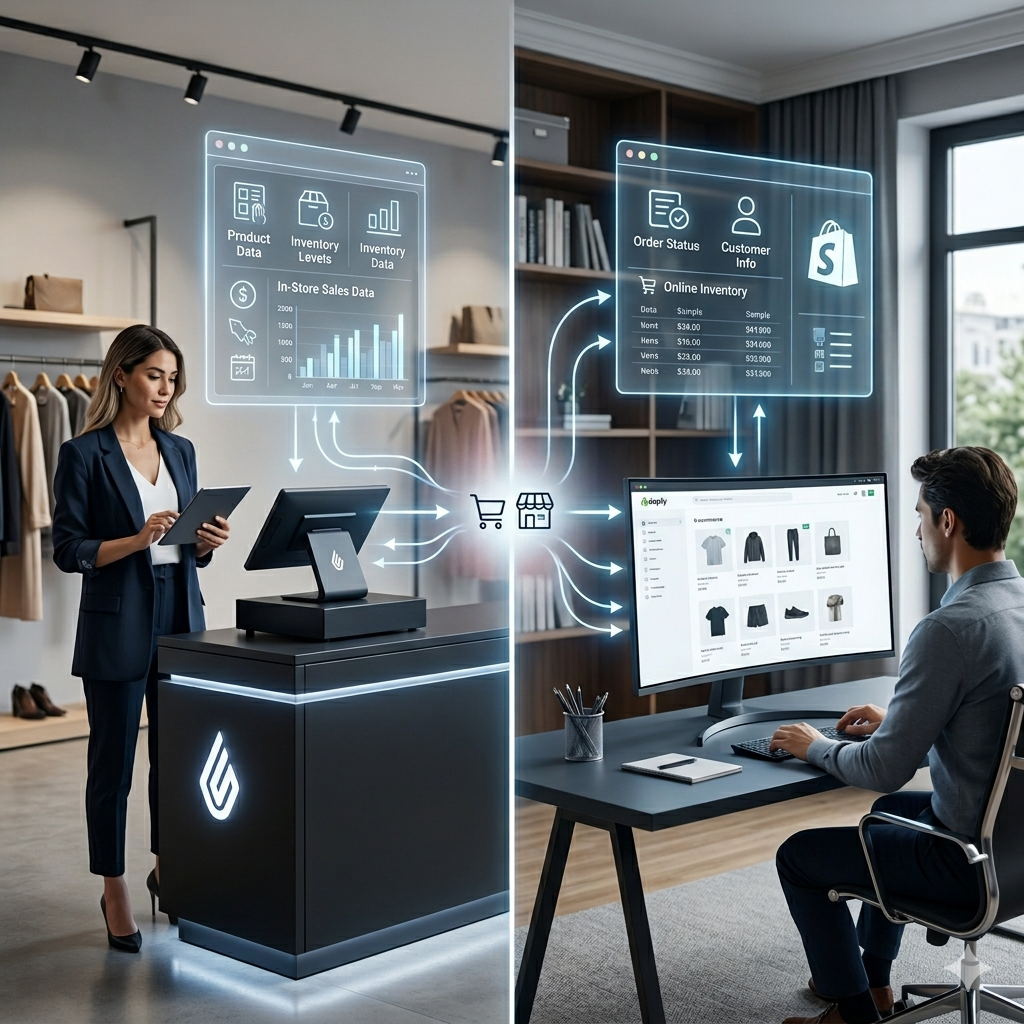
Retail Bridge connects your Lightspeed X-Series POS with Shopify, helping keep your products, inventory, orders, and customer information aligned across your store and online business.
Instead of repeatedly entering information, checking two systems, or manually reconciling differences, Retail Bridge is designed to reduce the everyday work involved in keeping your retail and online operations connected.
The Everyday Problems Retailers Face
Running a physical store and an online business can create more work than it should. Retailers may find themselves entering information twice, switching between systems, checking inventory, reconciling differences, and dealing with problems when the connection breaks.
Some of the most common frustrations include:
- Duplicate Data Entry – Entering the same product or business information in more than one system.
- Too Much Screen Switching – Moving between Lightspeed and Shopify just to check or update information.
- Inventory Differences – Store and online systems showing different available quantities.
- Overselling Risk – An item appearing available online when the actual store inventory has changed.
- Manual Reconciliation – Spending time checking systems and correcting differences by hand.
- Complicated Onboarding – Coordinating appointments, system access and setup around busy store hours.
- Slow Problem Discovery – Finding out about a synchronization problem only after it has already affected operations.
- Too Much Time on Technology – Retail staff spending time managing systems instead of serving customers.
When your technology creates extra work, your team has less time for the business itself – and less time for your customers.

Retail Bridge – Built to Make Connected Retail Easier
One Connected Retail Workflow
Connect your Lightspeed X-Series POS and Shopify operations so your team can spend less time moving between systems and managing the same information twice.
Keep Inventory Better Aligned
Keep store and online inventory better aligned, helping reduce discrepancies and the manual work involved in checking and correcting stock information.
Reduce Overselling Risk
Help keep online availability closer to actual store inventory so customers are less likely to order products that are no longer available.
More Time for Your Customers
Reduce repetitive technology tasks so your team can spend more time helping customers instead of checking systems and fixing routine data issues.
Grow Without More Manual Work
As your products, orders and online sales grow, Retail Bridge is designed to reduce the additional manual effort involved in keeping your connected operations aligned.
Simpler Order Management
Reduce the manual effort involved in managing online orders and keeping your retail workflow connected with Shopify.
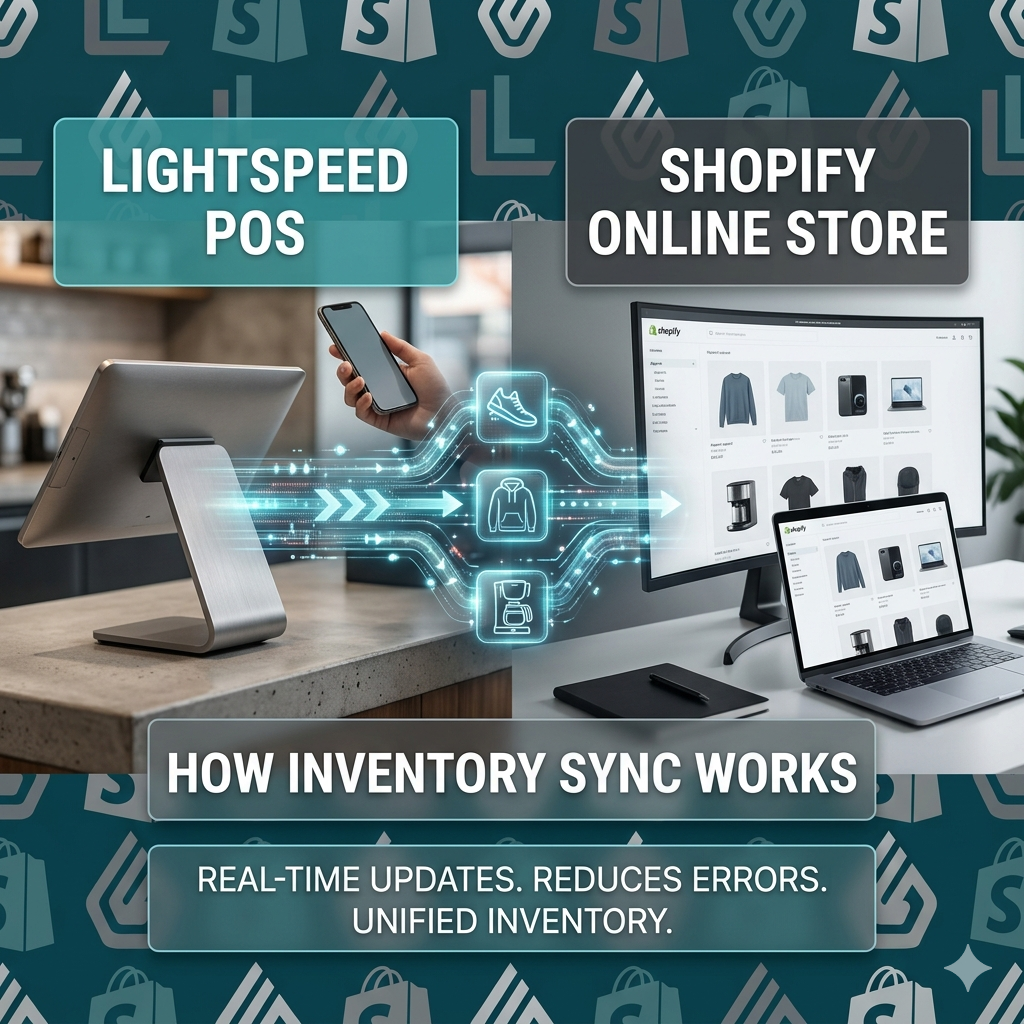
Keep Store and Online Inventory Better Aligned
When inventory changes in your store or online, keeping both systems aligned is essential. Retail Bridge is designed to help maintain more consistent inventory information between your Lightspeed X-Series POS and Shopify store.
Inventory can change because of:
- In-store purchases
- Online orders
- Returns
- Stock adjustments
- Inventory transfers
- Purchase order receipts
Keeping these changes aligned helps your team see a more consistent picture of available inventory across your physical store and online business.
Why Lightspeed Shopify Inventory Sync Matters
- Reduce Overselling Risk
- Reduce Stock Discrepancies
- Spend Less Time Checking Inventory
- Improve Customer Confidence
- Support Connected Store and Online Operations
Whether you manage hundreds or thousands of SKUs, reducing the need to manually check and correct inventory can save valuable time for your team.
Simpler Online Order Management
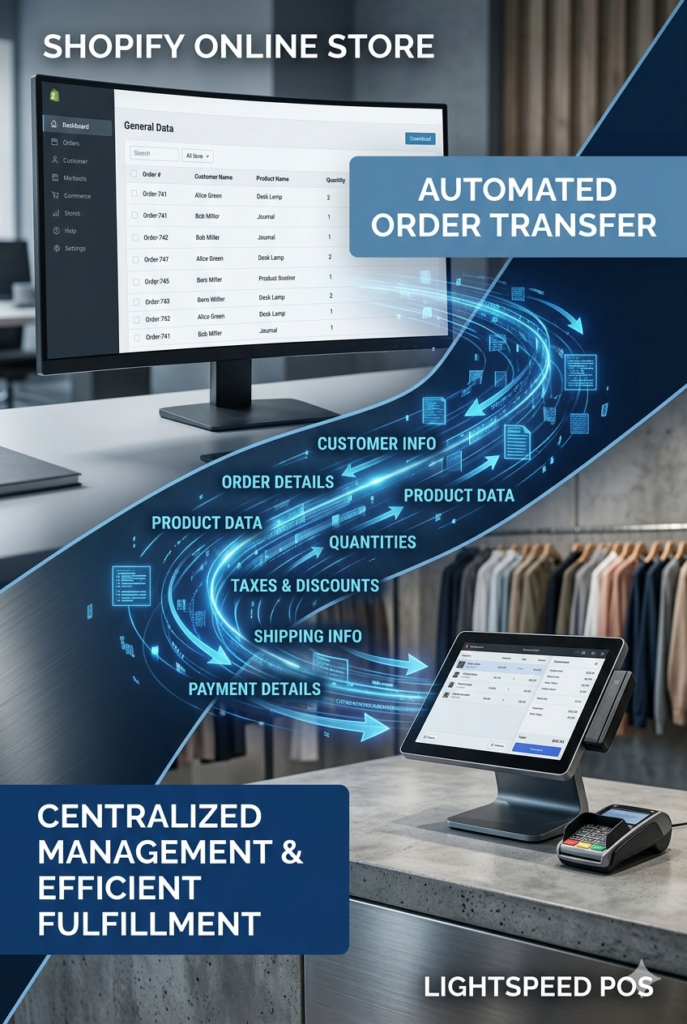
Retail Bridge is designed to help bring Shopify order information into your connected retail workflow, reducing the need to manually check, re-enter, or reconcile online orders between systems.
Order Information That Can Be Connected
- Order number
- Customer details
- Ordered items
- Quantities
- Billing information
- Shipping information
- Taxes
- Discounts
- Shipping charges
- Payment information
- Order totals
Centralized order management helps improve operational visibility while supporting more efficient fulfillment processes.
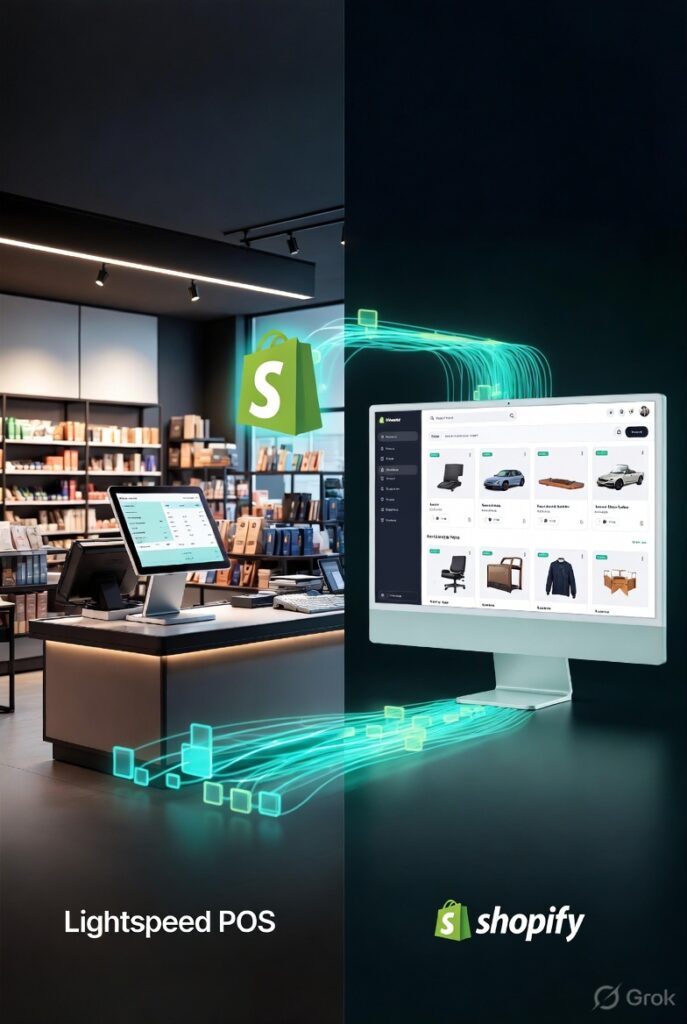
One Product Update, Less Repetitive Work
Retail Bridge helps keep product information aligned between Lightspeed X-Series and Shopify, reducing the need to repeatedly enter or update the same information in both systems.
Product synchronization helps maintain alignment of:
- Product name
- Description
- SKU
- Price
- Category
- Brand
- Variants
- Images
- Inventory
- Product status
Keeping product information aligned helps reduce duplicate updates, avoid inconsistencies between your store and online catalog, and save your team valuable time.
Keep Customer Information Better Aligned
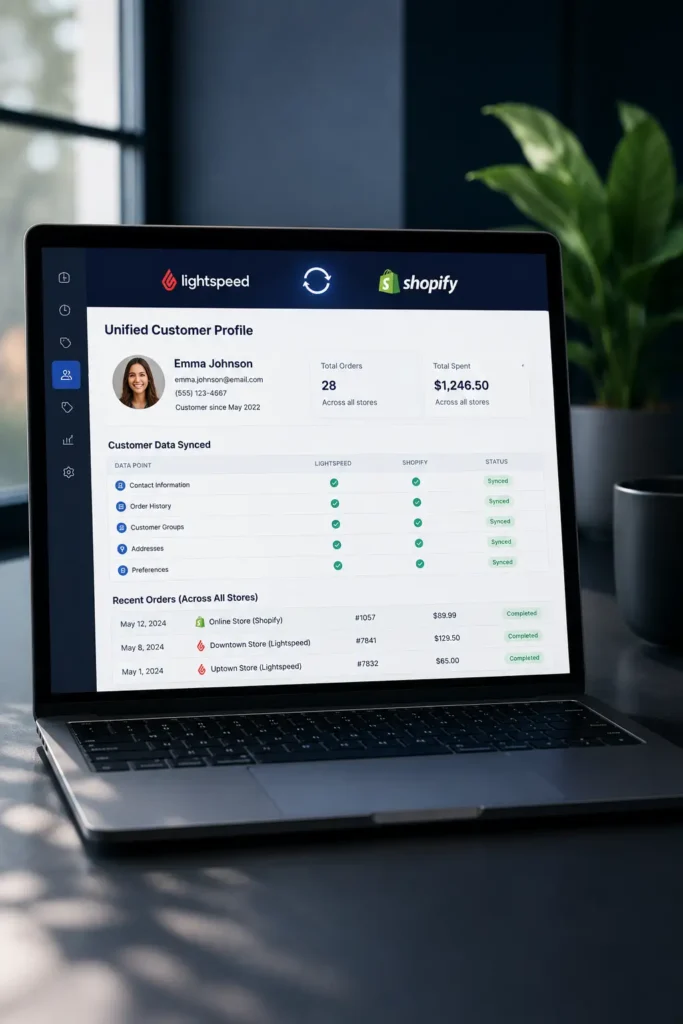
Retail Bridge helps connect customer information between Lightspeed X-Series and Shopify, reducing the need to maintain customer data separately in both systems.
Why Connected Customer Data Matters
- Less Duplicate Data Entry
- More Consistent Customer Information
- Better Visibility Across Channels
- Simpler Customer Management
- Less Manual Maintenance
When customer information is better connected, your team can spend less time maintaining records and more time focusing on the customer experience.
WHY RETAIL BRIDGE IS DIFFERENT
Built Around the Real Needs of Retailers
Retail Bridge is designed around the everyday challenges retailers face - making connected retail simpler, more automated, and easier to manage.

SELF-ONBOARDING
Get started without lengthy appointment coordination, access delays, or disruptions during busy store hours.

AI-POWERED AUTOMATION
Automate routine synchronization tasks with less manual intervention, so your team can spend less time managing technology.

ONE CONNECTED WORKFLOW
Connect your Lightspeed X-Series and Shopify operations so you spend less time jumping between systems and checking the same information twice.

RETAILER CONTROL
Manage your connected operations with clear settings, step-by-step guidance, and a user-friendly experience designed for retailers.
FAST SYNC ISSUE VISIBILITY
Get faster visibility when synchronization problems occur, helping issues become easier to identify and address before they create more work.

BUILT FROM REAL RETAIL EXPERIENCE
Years of working with retail technology have revealed the real operational pain points retailers face. Retail Bridge is being built to address those everyday challenges.
HOW RETAIL BRIDGE WORKS
One Connected Workflow for Your Retail Business
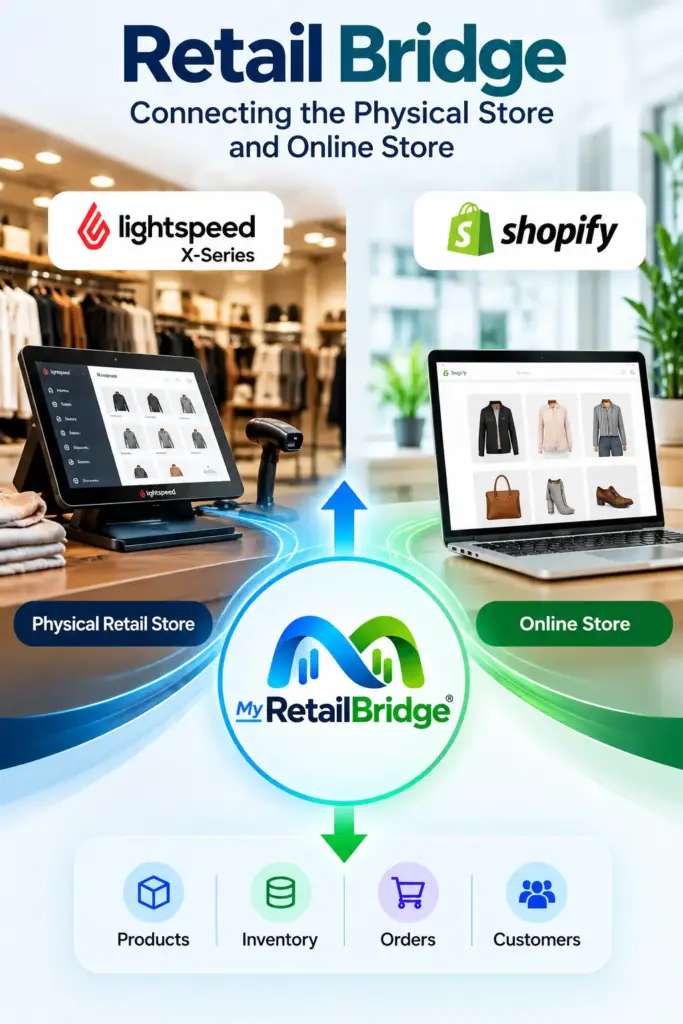
Retail Bridge connects your Lightspeed X-Series POS and Shopify store, helping keep essential retail information aligned across your physical and online operations.

Product Synchronization
Keep product information aligned between your store and online catalog.
Inventory Synchronization
Keep store and online inventory better aligned.
Order Synchronization
Keep online orders connected between Shopify and Lightspeed X-Series.
Customer Synchronization
Keep customer information better aligned across both systems.

PRODUCTS
Keep product details aligned
PRODUCTS
Keep product details aligned
INVENTORY
Maintain accurate inventory
INVENTORY
Maintain accurate inventory
ORDERS
Keep orders connected
ORDERS
Keep orders connected
CUSTOMERS
Keep customer information aligned
CUSTOMERS
Keep customer information aligned
TRY RETAIL BRIDGE
See How Much Easier Connected Retail Can Be
Connect Your Lightspeed X-Series POS and Shopify Store with Less Manual Work
F A Q
Frequently Asked Questions About Lightspeed Shopify Integration
- What is Lightspeed Shopify Integration?
To integrate Lightspeed with Shopify means connecting Lightspeed Retail POS and Shopify so that products, inventory, orders, and customer information stay synchronized between both platforms automatically.
- Can Lightspeed sync inventory with Shopify?
Yes. A Lightspeed Shopify Integration can synchronize inventory information between Lightspeed Retail POS and Shopify, helping retailers maintain more accurate stock availability across online and physical sales channels.
- Can Shopify orders be downloaded into Lightspeed?
Yes. Many integration solutions support automated order transfer from Shopify into Lightspeed POS.
- Does Lightspeed Shopify Integration support multiple store locations?
Yes. Multi-location retailers can benefit from inventory visibility and centralized management capabilities.
- What Product Information Can Be Synchronized Between Lightspeed Retail POS and Shopify?
Depending on the integration configuration, product data such as: SKU Product Name Description Category Brand Attributes Variants (size, color, style) Images Price Levels Quantity, and other product-related information can be synchronized between Lightspeed Retail POS and Shopify to help maintain consistency across sales channels.
- How often is inventory updated?
Synchronization frequency depends on the integration solution and business requirements.
- Can customer information be synchronized?
Many integration solutions support customer synchronization to help maintain more complete customer records.
- Is Lightspeed Shopify Integration suitable for small retailers?
Yes. Both small retailers and larger multi-location businesses can benefit from improved operational efficiency.
- How do I get started with Lightspeed Shopify Integration?
Contact Retail Matchmaker to discuss your retail environment and determine the most appropriate integration strategy for your business.
- What Order Information Can Be Downloaded from Shopify into Lightspeed Retail POS?
Order downloads can include information such as order number, customer details, ordered items, quantities, billing address, shipping address, taxes, discounts, shipping charges, payment information, and order totals, helping retailers manage online and in-store operations from a centralized system.